
Settings
Settings holds your company, the document types, the customer numbers and the master data. Everything here is also available through the REST API (except users and tokens).
Organization
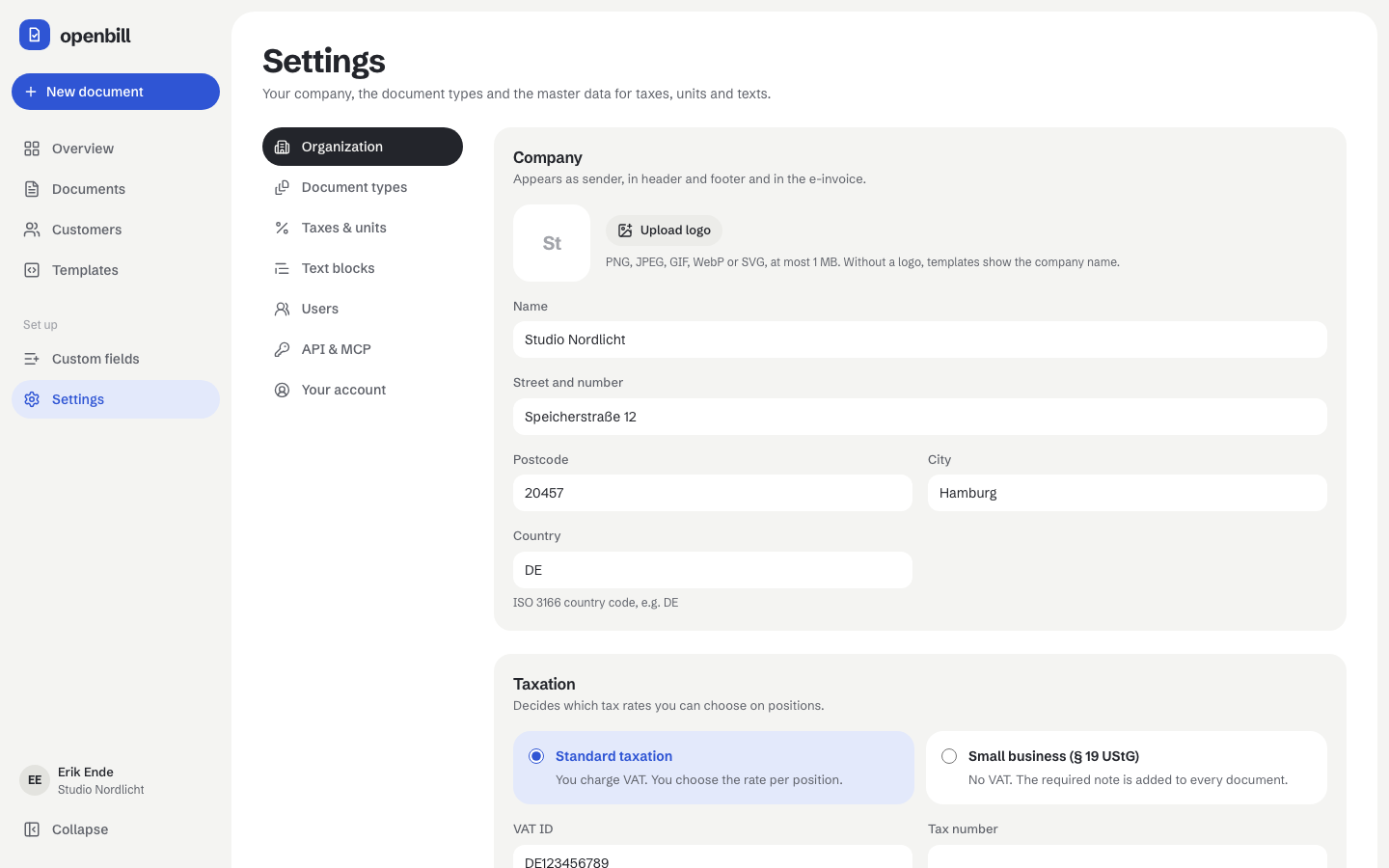
Name, address, logo (PNG, JPEG, GIF, WebP or SVG, at most 1 MB – without a logo templates show the name), taxation (standard or small business under § 19 UStG), VAT ID, tax number, register number (registration_id, e.g. the commercial register entry), bank and contact details, the default document language and the custom fields of the organization. Missing details of the e-invoice profile show up in the check panel of the document editor; a click there opens this page at the right field. A new logo keeps the old file for finalized documents; app:prune-images removes old logos nothing refers to anymore (see Custom fields).
The e-invoice profile needs the VAT ID or the register number; with reverse charge and exports of goods the VAT ID, with services to customers outside the EU the register number (the VAT IDs must not appear in that e-invoice).
Document types
Per type: the compliance profile (basic, or EN 16931 e-invoice for invoices and cancellations), the number range and the defaults for new documents (template, payment term, validity, intro and closing text).
Number patterns use {YYYY}, {YY}, {MM} and a running number {0000} (as many digits as zeros). With “Start at 1 again every year” the pattern must contain the year. The preview next to the pattern comes from the server and shows the next number exactly as finalizing would assign it. “Next running number” continues an existing range; numbers already used are skipped.
Customers
The customer numbers: a new customer whose number field stays empty gets the next number of this range; a number typed by hand is kept as it is. Patterns work like those of the document types ({YYYY}, {YY}, {MM}, {0000}, optional yearly reset by the date the customer is created); the number may be at most 32 characters long. Numbers that already exist – also those of deleted customers – are skipped, and the preview shows the number a new customer really gets. The form for a new customer shows it as placeholder.
After an update the range continues the numbers handed out so far: the highest number from 1000 on of the form prefix + digits (for example K-1004 → K-{0000} from 1005), otherwise C-{0000} from 1001.
Taxes & units
Tax rates carry an EN 16931 category (S standard, Z zero rate, E exempt, AE reverse charge, K intra-community supply, G export, O not subject to VAT) and, at 0 %, a legal note. Units carry a UN/ECE Recommendation 20 code (e.g. HUR hour, DAY day, H87 piece); without a code no e-invoice can be finalized.
Deleting a rate or unit archives it: it disappears from the pickers, existing documents keep it. “Undo” in the notice or “Restore” in the archived list brings it back.
Text blocks
Reusable intro, closing, payment and note texts. They may contain Liquid placeholders like {{ customer.name }} or {{ document.due_date | date }}, filled in when the document is rendered. A text block can be the default for a document type.
Users
All users work in the same organization. Owners invite users, change roles and disable users; members can do everything else (documents, customers, templates, fields, settings). At least one active owner always stays, and nobody can disable themselves.
openbill sends no email: Invite creates a link to pass on. The link is valid for 7 days and works once; it opens a page where the invited person sets their name and password and is signed in. Open invitations can be copied again or revoked.
Users are never deleted, they are disabled: the account stays so that documents and their activity log keep their author, but the person can no longer log in (the login says the account is disabled), their API tokens and sessions end at once and they get no new tokens. Enable again lets them log in again; old tokens stay revoked.
User management is only available in the app (not through API tokens or MCP).
Your account
Shows who is signed in and lets you change your own password: enter the current one and the new one twice (at least 8 characters). You stay signed in here; every other session of your account is signed out and “Stay signed in” stops working on other devices. API tokens stay valid – revoke them under API & MCP if they may have leaked too.
Forgotten password: an owner can't see or set passwords. Whoever runs the server resets it with php artisan app:reset-password <email> (see Setup).
API & MCP
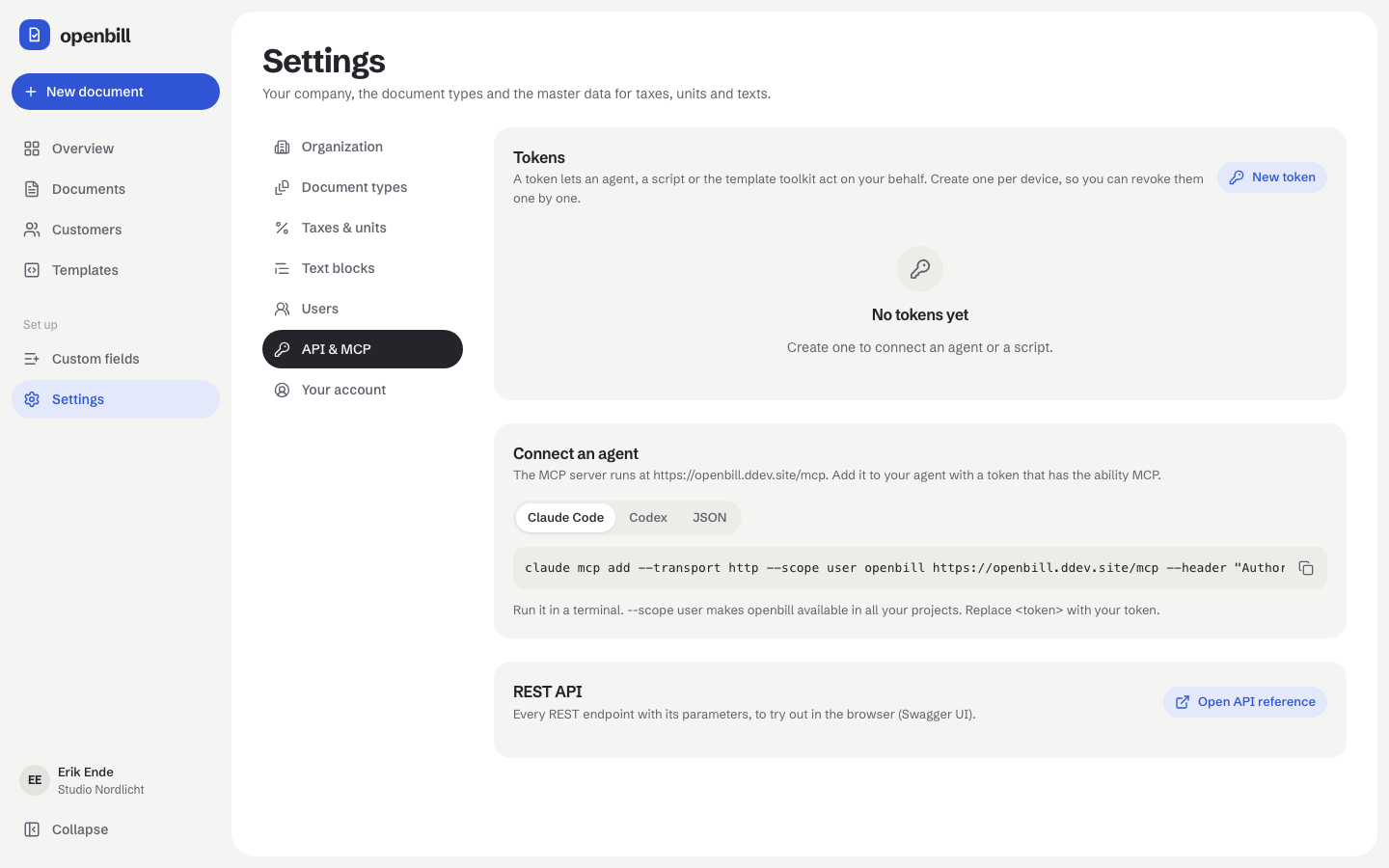
Tokens let agents, scripts and the template toolkit act on your behalf. New token asks for a name and the abilities (MCP, REST API read or read and write, template preview); openbill shows the token once, with the setup commands for Claude Code, Codex and other MCP clients filled in. The list shows your own tokens with their abilities, when they were created and last used; Revoke ends a token at once. Tokens for the template toolkit are created in the template editor and appear here as Toolkit · <template>. The card REST API opens the interactive API reference (/api/docs). Details: MCP, REST API.